
Enterprise Storage Hardware Architecture
Enterprise storage selection through ASI centers on two Seagate Exos approaches: SCALE capacity infrastructure for a chosen software stack, or PROTECT arrays with hardware-enforced RAID. The right fit depends on how applications access, protect, and grow their data. ASI supports resellers and integrators with product discussions, pre-sales technical support, and account management.
Put Exos Storage to Work for Your Business
Seagate’s Exos systems portfolio combines drives and enclosures for data-heavy workloads. Four business priorities help frame the configuration decision:
- AI modernization: Plan capacity storage for AI data workflows around source datasets, checkpoints, and retained outputs. Capacity infrastructure complements fast storage near compute; adding capacity alone does not establish faster training.
- Strategic TCO: Evaluate storage density and lifecycle cost together. Usable capacity, rack space, electricity, and management requirements determine the business case beyond the initial hardware purchase.
- Repatriation: Integrating on-premises storage into hybrid environments starts with choosing which data belongs locally and how applications will access it. Assess migration and ongoing operating costs before assuming savings.
- Data sovereignty: Local infrastructure can support control over data location. Access policies, protection arrangements, and regulatory obligations still require evaluation across the complete solution.
Choose Exos Capacity Infrastructure or Array-Level Protection
Exos SCALE
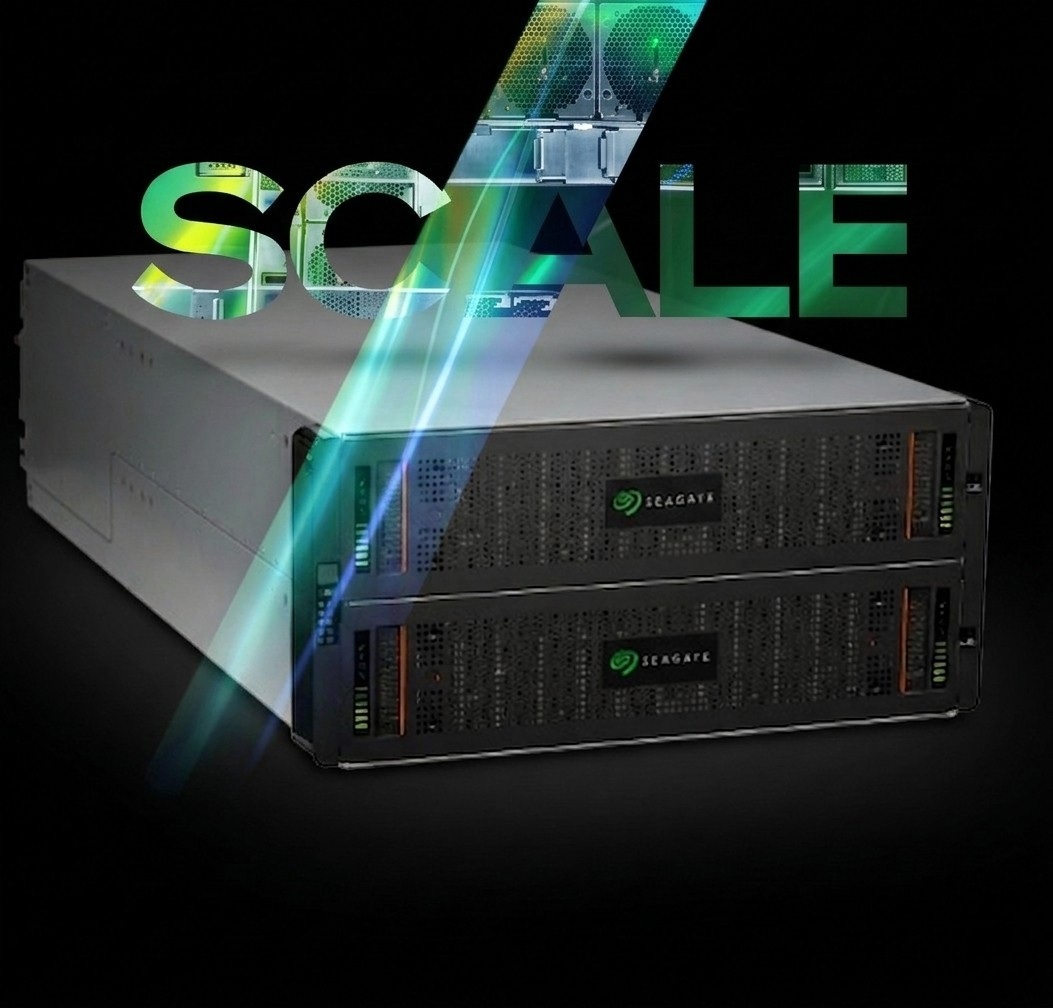
Exos SCALE provides high-density JBOD infrastructure for software-defined environments. Pair its capacity with the storage software your workload requires; file sharing, object access, and software-managed protection depend on that broader stack.
The documented portfolio includes up to 84 drives in the EX5U84’s 5U enclosure and 100 drives in the DC4U100’s 4U enclosure. Drive positions describe physical density, not usable capacity. Evaluate installed drives, protection overhead, and site requirements together.
Exos PROTECT
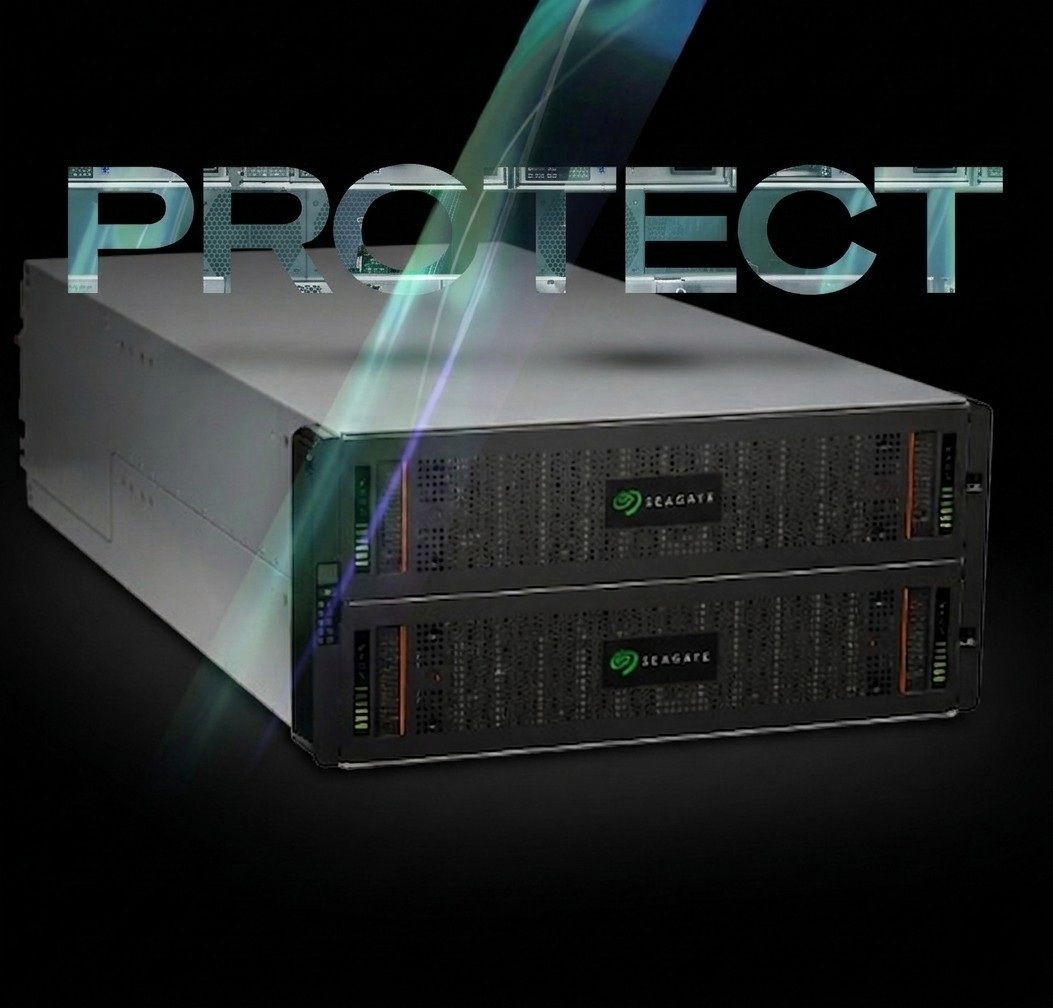
Exos PROTECT capabilities include hardware RAID with ADAPT, active-active dual controllers, and redundant, hot-swappable components. The supplied specifications also list snapshots and asynchronous replication.
PROTECT puts protection at the array layer. Application availability still depends on hosts, network paths, and software, while backup remains a separate requirement. Choosing between SCALE and PROTECT starts with identifying which layer will manage and protect the data.
Exos Systems Video:
Tomorrow’s Data Infrastructure, Delivered Today
Match Exos Storage to Backup, Archive, and Media Workloads
Backup repositories need capacity for retained copies and throughput for backup windows. Active archives need retrieval appropriate to how often data is reused. Media environments need shared access and performance suited to production. The selected software turns storage capacity into those services.
Customer accounts demonstrate different uses:
- Deft selected historical Exos E 5U84 systems for footprint efficiency and accessible drive drawers.
- Academia Sinica reported rack-space and TCO reductions with Exos X 5U84.
- Office Ally combined Exos X/E systems with Veeam to add backup capacity.
These Seagate-published experiences describe specific deployments, not guaranteed results for current SCALE or PROTECT configurations.
Storage Architecture Planning Checklist
Use this checklist to define requirements before comparing storage systems. Each item connects a business or operating need to a decision about hardware, software, or deployment.
- Identify the applications that will use the storage and the software responsible for managing the data.
- Calculate the usable capacity needed now and over the planning period, accounting for protection overhead and retained copies.
- Specify the host interfaces and access paths the storage system must support.
- Define the failures and maintenance events the design must accommodate, including the effect on application access.
- Confirm rack, power, data-location, and access requirements before narrowing the hardware options.
Use the completed checklist to assess each proposed configuration against the same requirements. Revisit those requirements when workloads, retention needs, or deployment plans change.
Bring Your Storage Requirements to ASI
ASI helps channel partners evaluate Seagate Exos systems through pre-sales technical support and account management. SCALE supplies capacity for a chosen software stack; PROTECT adds array-level RAID protection. Matching that distinction to workload, usable capacity, interfaces, and growth requirements creates a more useful product shortlist.
Bring those requirements to ASI to coordinate storage and component sourcing, discuss integration needs, and identify where Seagate technical guidance would help assess the proposed configuration. ASI can also help channel partners navigate deal registration and the resources available for an opportunity.
Frequently Asked Questions
Which Exos Systems Should Be on an Enterprise Shortlist?
Consider SCALE for capacity infrastructure managed by a selected software stack, and PROTECT for array-level RAID protection. Use interfaces, usable capacity, and growth requirements to narrow the selection.
What Should a Reseller Bring to an ASI Storage Discussion?
Bring the customer’s workload, software stack, usable-capacity target, growth expectations, and protection requirements. Include site and host-interface constraints so ASI can discuss relevant product options.
Does a Dense Enclosure Determine Usable Capacity?
No. Drive positions establish a physical limit. Usable capacity depends on installed drives, protection overhead, and storage requirements. Evaluate the space available to applications alongside required performance.
Can Exos Hardware Alone Provide a Complete Hybrid Storage Service?
No. Hardware supplies capacity, connectivity, and model-dependent protection. Software and operating policies determine file or object access, data movement, and access control across the environment.
Does an Exos Customer’s Cost Saving Predict Our Own?
No. Customer savings describe particular deployments and comparisons. Use them to identify evaluation factors, then assess your own configuration, workload, and operating costs.
How Does ASI Fit Alongside Seagate?
Seagate manufactures Exos drives and systems. ASI serves resellers and integrators as a distribution partner, with account management and pre- and post-sales technical support.
Related Articles
Understand and Select Exos Systems
Protect Data and Plan Growth
Find the Right Storage for Your Next Project
Talk with an ASI storage expert about Seagate Exos options that fit your workload, capacity, and growth requirements. As an Authorized Distributor, ASI helps you narrow hardware choices, coordinate component sourcing, and identify configuration questions for Seagate’s product experts. Share your needs to start planning your next storage purchase.